Free Online HEIC Converter
(JPG, PNG, PDF & WebP)
The world's fastest tool to open iPhone photos on Windows and Android. Everything happens locally in your browser—no file uploads and no waiting.
Process in 3 Steps
FastHEIC turns your iPhone photos into universal formats instantly.
Select Assets
Select or drag and drop your .heic or .heif files into the secure dropzone above. Add as many as you need.
Pick Output
Choose between JPG, PNG, WebP or PDF. Our local engine prepares the parameters instantly in your RAM.
Save Batch
Initialize the conversion and download your optimized files individually or as a professional ZIP archive.
Image Toolkits
Convert HEIC to JPG
Make iPhone photos compatible with Windows & Android.
Convert HEIC to PNG
Lossless conversion preserving transparency for designers and Photoshop.
Convert HEIC to PDF
Turn multiple photos into a single document for easy sharing and printing.
Convert HEIC to WebP
Smallest file size for better website SEO and faster loading speeds.
Why can't I open HEIC files?
Apple introduced the High Efficiency Image Format (HEIF) to save massive storage space on iPhones. However, most Windows PCs, older Androids, and software like Photoshop still struggle to open them natively.
FastHEIC offers a no-install solution. By converting your photos to JPG, you ensure they work on any device, social media platform, or printing service globally without needing special extensions.
iOS Standard
iPhones take HEIC photos by default to save space.
Universal
JPG is compatible with 100% of devices worldwide.
Search Ready
Google and web browsers prefer JPG and WebP formats.
Local Privacy
Your data stays on your device throughout the process.
Powered by WebAssembly
We don't upload your photos to our servers. FastHEIC uses WASM technology to run the conversion engine directly on your computer's CPU. This is faster, safer, and 100% private.
HEIC vs JPG: The Verdict
High Efficiency vs Universal Standard.
| Feature | HEIC | JPG |
|---|---|---|
| Storage | 50% Smaller | Standard |
| Quality | 16-bit Deep | 8-bit Std |
| Transparency | Yes | No |
Expert Resources & Guides
Master your digital workflow with our latest technical insights.
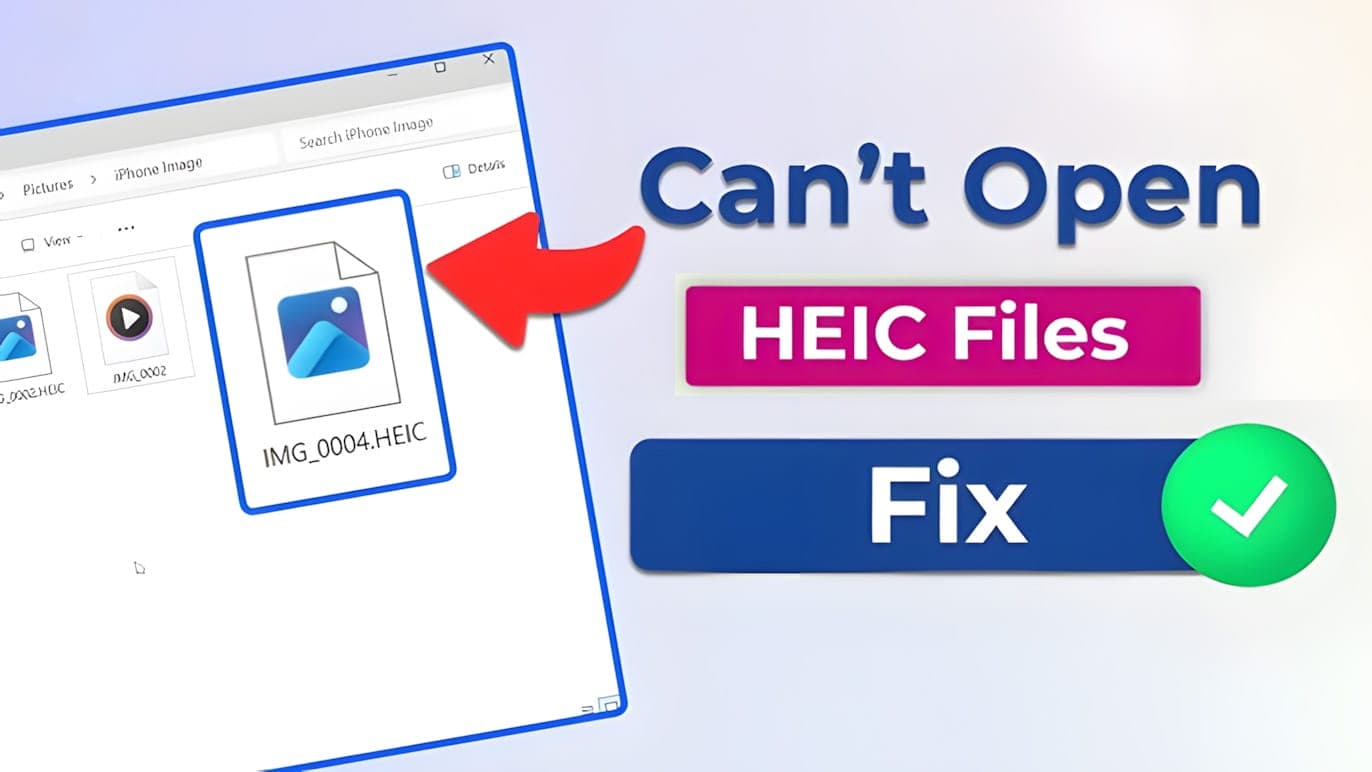
How to Open HEIC File on Windows: The Complete Troubleshooting Guide
The definitive guide to fixing HEIC errors on Windows 11/10. Learn why your photos won't open, how to bypass the paid Microsoft codec, and the ultimate privacy-first fix.
What is a HEIC File? The Ultimate Guide to Opening, Converting, and Mastering Apple's Image Format
The definitive guide to the .HEIC file extension. Learn why Windows can't open it, how it beats JPEG, and the privacy-first method to convert it instantly.
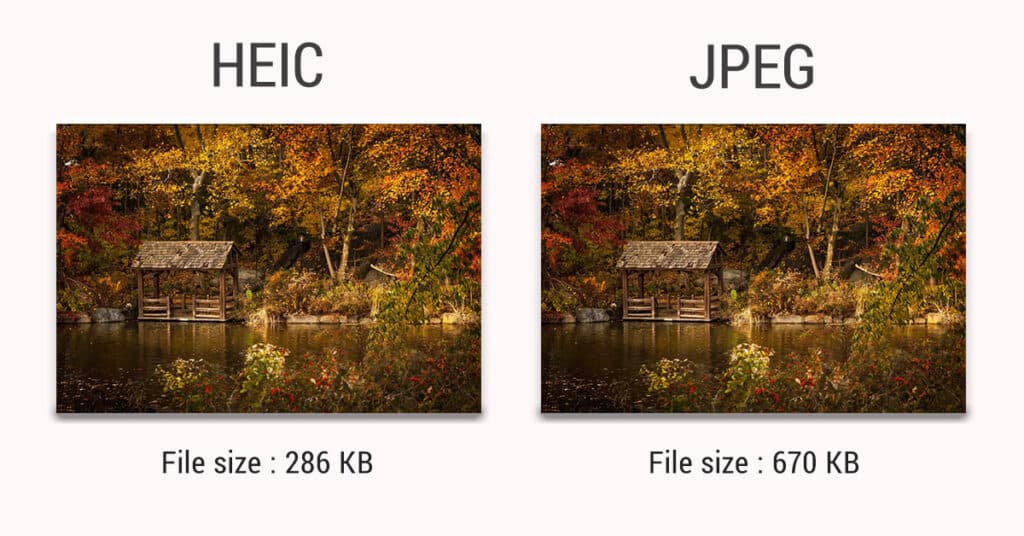
HEIC vs. JPG: The Ultimate Showdown for iPhone Photographers
High Efficiency or Most Compatible? We tested file sizes, image quality, and compatibility to help you decide which format your iPhone should use.
FAQ Center
Everything you need to know about professional HEIC conversion.
Yes, 100%. Unlike servers that store your data, FastHEIC runs locally in your browser. Your photos never leave your device.